This is a step-by-step guide on how to cancel a user import.
IMPORTANT: There is no way to undo user imports that have completed. The following guide illustrates how to cancel user imports that are in progress.
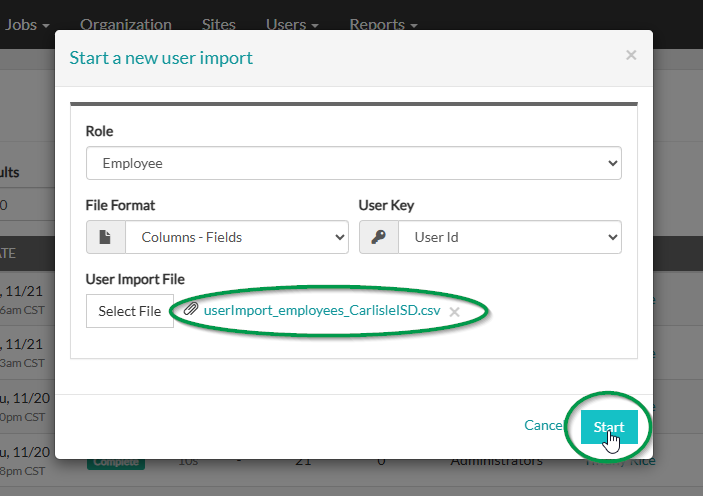
1. Click Start to start the import.
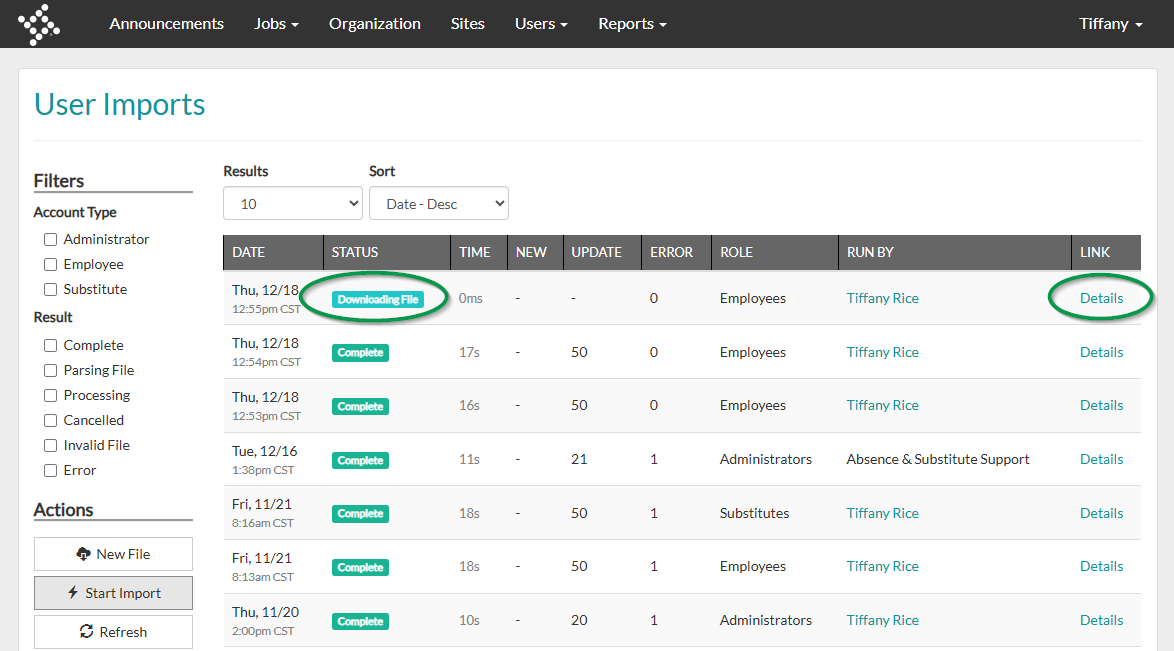
2. Once the import has started, select Details in the last column of the User Imports page.
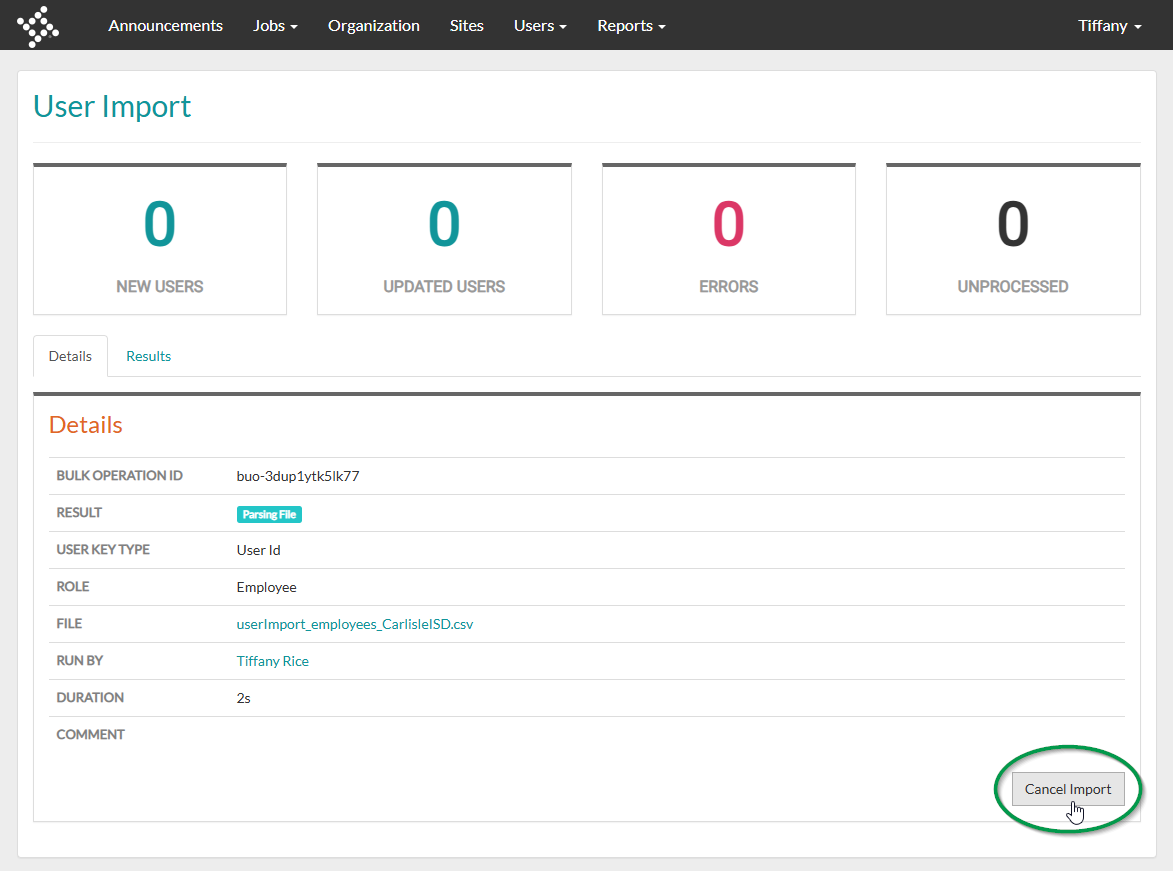
3. From the Details tab, select Cancel Import.
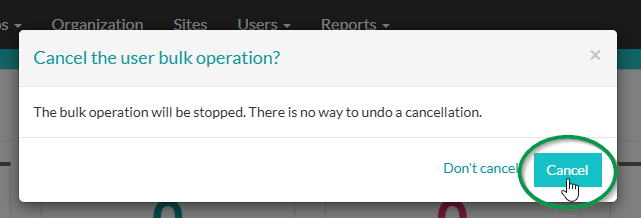
4. Select Cancel in the bottom right-hand corner of the pop-up prompt.
5. Notice the green banner towards the top of the screen indicating the user import has been cancelled.
